
Before you send an invoice with 0% VAT to a customer in another EU country, you need to be sure their VAT number is valid. One wrong digit, or a number that is no longer active, can mean you owe the VAT yourself. This guide shows you how to check a VAT number in under a minute, how to read the result, and what to keep as proof.
Why a VAT number check matters
When a business sells goods to a VAT-registered business in another EU member state, the sale can usually be zero-rated. The customer accounts for the VAT in their own country instead. One of the conditions in most cases is that the customer has a valid VAT identification number, and that you can show you checked it.
If the number turns out to be invalid, tax authorities can treat the sale as a normal domestic sale and ask you for the VAT. Checking takes a minute. Not checking can cost far more.
Rules differ by country and by type of supply, so confirm the details with your tax advisor or local tax authority. The check described here is the starting point.
What an EU VAT number looks like
Every EU VAT number starts with a two-letter country code, followed by digits (and sometimes letters). A few common formats:
- Netherlands: NL + 9 digits + B + 2 digits, for example NL123456789B01
- Germany: DE + 9 digits
- France: FR + 2 characters + 9 digits
- Belgium: BE + 10 digits
- Italy: IT + 11 digits
- Spain: ES + 9 characters, with letters or digits at the start and end
- Poland: PL + 10 digits
- Austria: ATU + 8 digits
- Sweden: SE + 12 digits
- Greece: EL + 9 digits (note: the code is EL, not GR)
A number that does not match its country's pattern is almost certainly a typing mistake. Remove spaces, dots and dashes before you check it.
How to check a VAT number step by step
The official source is VIES, the VAT Information Exchange System run by the European Commission. It asks the tax database of the customer's country whether the number is registered.
- Ask your customer for their full VAT number, including the country code, and the exact company name.
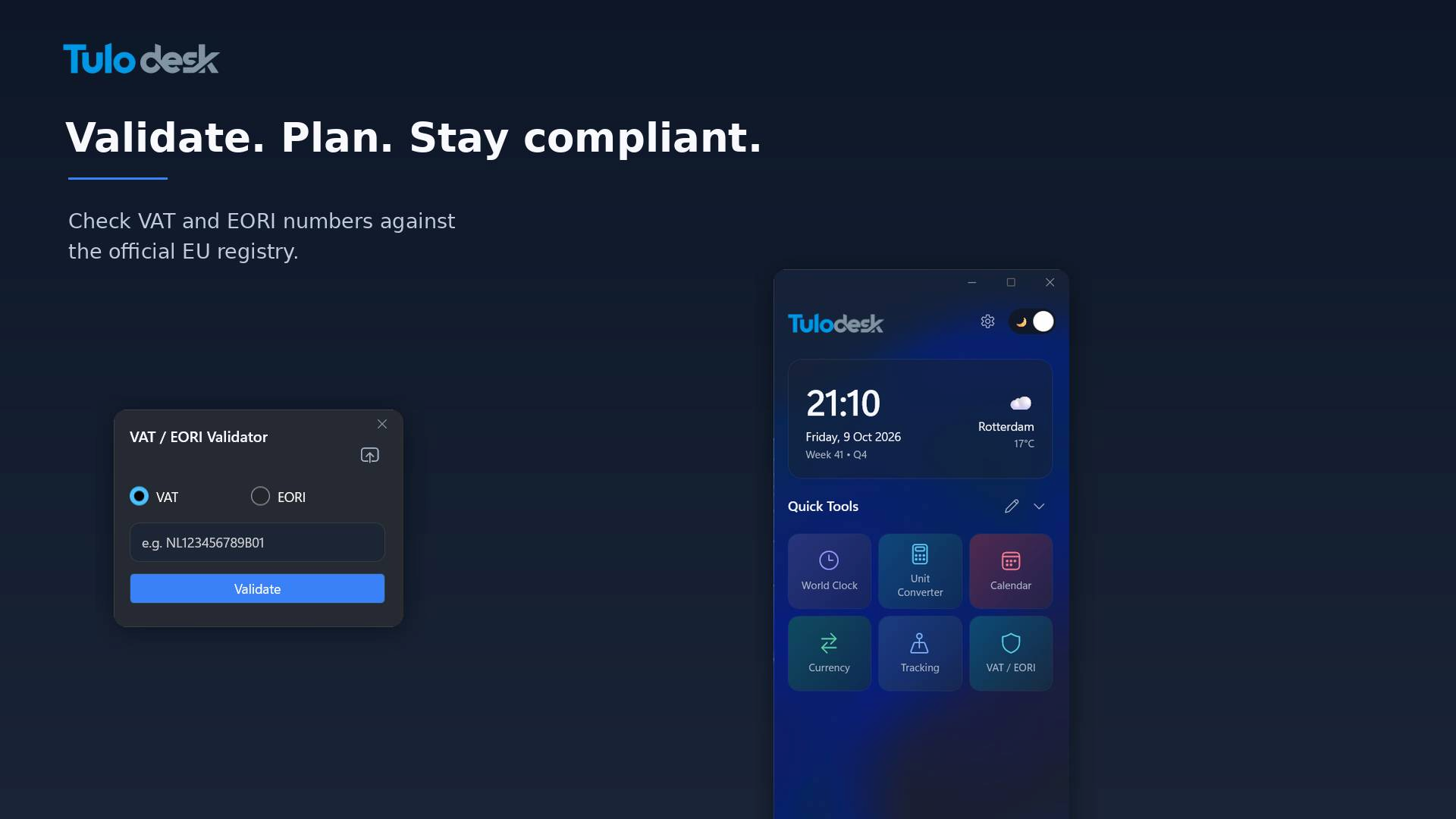
- Enter the number into a VIES-based checker. TuloDesk's free VAT and EORI checker does this in one step, in your browser or from your Windows desktop.
- Read the answer: "valid" or "invalid". For many countries, VIES also returns the registered company name and address.
- Compare the name and address with your customer's details. A valid number that belongs to a different company is a red flag.
- Save the result as proof (see below).
What the result means
- Valid: the number is active in that country's VAT register on the day you checked. You can go ahead with a zero-rated sale, if the other conditions are met.
- Invalid: the number is not registered, is not active, or was typed incorrectly. Do not zero-rate the invoice until you have a corrected number or an explanation.
- Service unavailable: VIES depends on each country's own system, and one of them may be down for maintenance. This is not the same as "invalid". Try again later in the day.
Why a real number can still show as invalid
- It is brand new. A company that registered this week may not be in the database yet.
- The company moved or restructured, and the number changed.
- The number belongs to a sole trader or a group that uses a different identifier for VIES.
- The customer gave you a local tax number, not the VAT number.
- The customer is in the UK. Since Brexit, British numbers (GB) are not in VIES. Northern Ireland businesses that trade in goods use the prefix XI, which VIES does check. Great Britain numbers are checked with HMRC's own service.
Keep proof of every check
Tax authorities may ask how you knew the number was valid at the time of the sale. Keep:
- The date and time of the check
- The VAT number and the company name that was returned
- A screenshot or saved copy of the result
- For extra assurance, a VIES consultation number. VIES can issue one when you enter your own VAT number as the requester, and it acts as an official record of the check.
Store these with the invoice, not in a folder you will never find again.
VAT number or EORI number?
They are different. A VAT number identifies you for value added tax. An EORI number identifies you in customs, and you need one to import or export goods to or from the EU. Many businesses have both. The TuloDesk checker validates both types, so you can check them in the same place.
Make it a habit, not a chore
The fastest way to stay compliant is to check every new customer when you create their account, and to re-check regular customers once or twice a year. Keep the checker where you can reach it in one click, so it never feels like extra work.
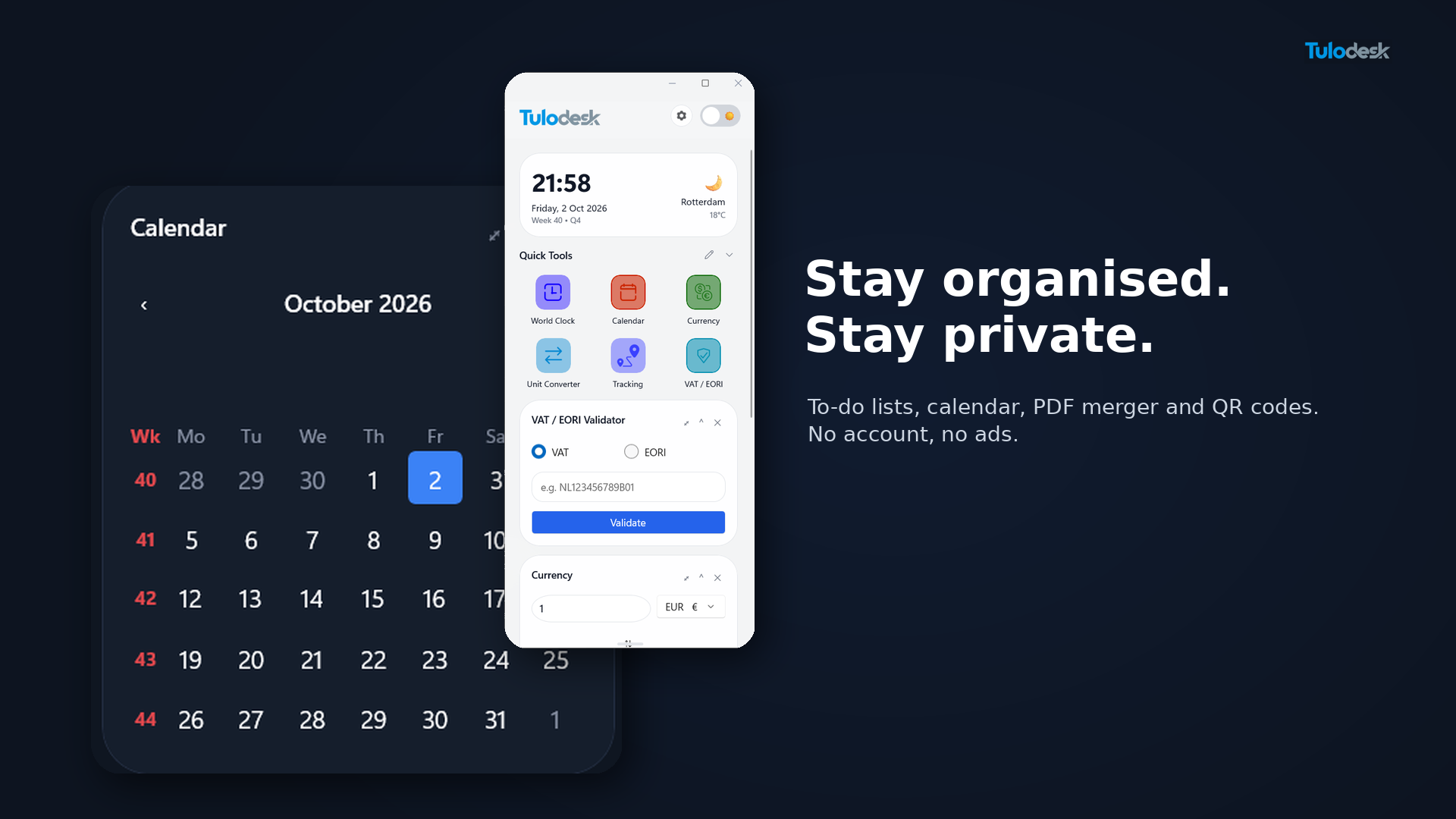
TuloDesk is a free Windows widget that keeps the VAT and EORI checker, an HS code lookup, a currency converter with ECB rates, a PDF merger and more on the edge of your desktop. You can also try the checker right now in your browser with no sign-up.
If you work with imports and exports, the free HS code lookup can help you find the right customs code for your goods too.
Frequently asked questions
How do I check if a VAT number is valid?
Enter the number, including the two-letter country code, into VIES, the European Commission's VAT validation service, or into a checker that uses it, such as the free TuloDesk VAT and EORI checker. The result says whether the number is valid and, for many countries, shows the registered company name and address.
Is a VAT number the same as an EORI number?
No. A VAT number identifies a business for value added tax. An EORI number identifies a business in customs and is needed to import or export goods to or from the EU. They are separate registrations, and many businesses have both.
What does "invalid" mean in VIES?
It means the number is not registered or not active in that country's VAT database, or it was typed incorrectly. It can also happen when a company registered very recently. Do not zero-rate a sale until you have confirmed a correct number with the customer.
Can I check a UK VAT number in VIES?
Not for Great Britain. Since Brexit, GB numbers are no longer in VIES. UK VAT numbers are checked with HMRC's own service. Businesses in Northern Ireland that trade in goods use the XI prefix, and VIES does check those.
What proof should I keep after checking a VAT number?
Keep the date and time of the check, the VAT number, the company name and address returned, and a screenshot or saved copy of the result. You can also request a VIES consultation number, which serves as an official record of the check.